 Issue 05 · October 2026
 TheSignal.
Keep the Work Connected
The steadier the line from planning through daily operation, the better a complex A/V project holds together.
A complex A/V project passes through many hands—from architects and contractors to installers, IT teams, and operators. Every handoff risks losing a design decision, an operating requirement, or the larger plan.
Continuity keeps that plan connected from early design through daily operation. LUCI provides the foundation and a team that stays involved, so each expansion can build on what is already working instead of adding another system to manage.
This issue shows that continuity at work: nine years with Osage Casino Hotel, design services included with every LUCI subscription, practical operating advice, and the next version of LUCI extending your own control so you can provide a consistent customer experience.
Mike Epstein
CEO, LUCI Systems
Around the LUCI operation
Our teams have been moving projects from plan to operating floor. Here are the latest stops.
-
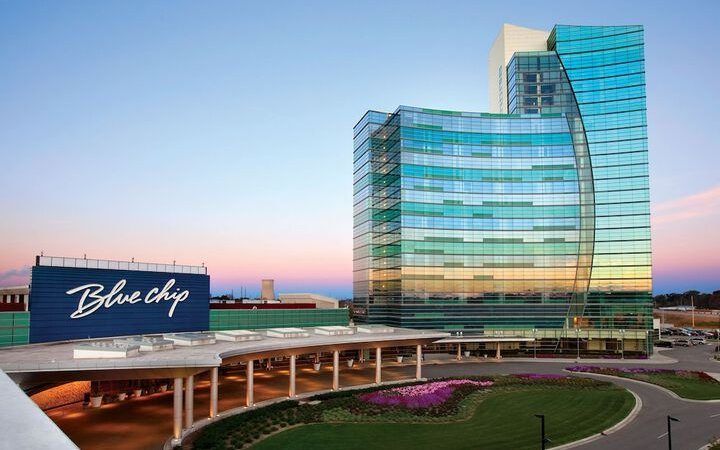 Blue Chip Michigan City, Indiana Live · September 24
The LUCI crew completed the implementation at Blue Chip, installing new amplifiers and giving the property’s IT team access to their LUCI support documentation.
-
 Belterra Park Cincinnati, Ohio On site · September 30
The LUCI crew was on site at Belterra Park, working with the property team on its LUCI system.
-
 Valley Forge Casino Resort King of Prussia, Pennsylvania Live · October 15
The LUCI crew completed its work on the registration remodel, bringing new ceiling audio and IPTV TVs in the area onto LUCI.
One foundation for every property expansion
For nine years, Osage Casino Hotel — Ponca City has extended the same LUCI foundation from the original installation through the ballroom, Swallows, and Swigs. The property now runs 98 endpoints through one operating standard.
Osage Casino Hotel — Ponca City Ponca City, Oklahoma

LUCI has also expanded into Osage’s Bartlesville, Pawhuska, Sand Springs, and Skiatook casino locations — a 10+ year relationship that now spans six properties.
Where the relationship started
Casino technology rarely becomes complicated because of one project. It becomes complicated as each new room, remodel, and system arrives with its own controls, vendors, and operating logic.
LUCI’s partnership with Osage started with the Tulsa casino location, where Osage wanted to remove this kind of complexity from their A/V system from the first day of construction. LUCI was brought into the Ponca City property soon after.
Ponca City is a smaller Osage property in northern Oklahoma, and over nine years it has become the clearest example of what a single LUCI foundation can carry. Each new room and venue arrived on its own schedule, with its own screens, audio, and control needs — but instead of layering a new system on top each time, Osage extended the one already running the property. Four phases tell that story.
The LUCI install
The original Ponca City installation put the software and control foundation in place — the operating standard every later phase extends.
The ballroom
LUCI brought the room’s projectors and controls into the same software already running the casino floor, so the team runs the space from one interface instead of a separate control system.
Swallows
When Osage needed a new 18-foot LED wall for their restaurant upgrade at Swallows, they had LUCI take care of the build and the integration — rather than bring in a new vendor and juggle technological overlap.
Swigs
Osage then re-engaged LUCI to build the nearly 20-foot LED wall at Swigs, a new bar and live-entertainment venue — easily bringing it onto the same LUCI environment already running the property.

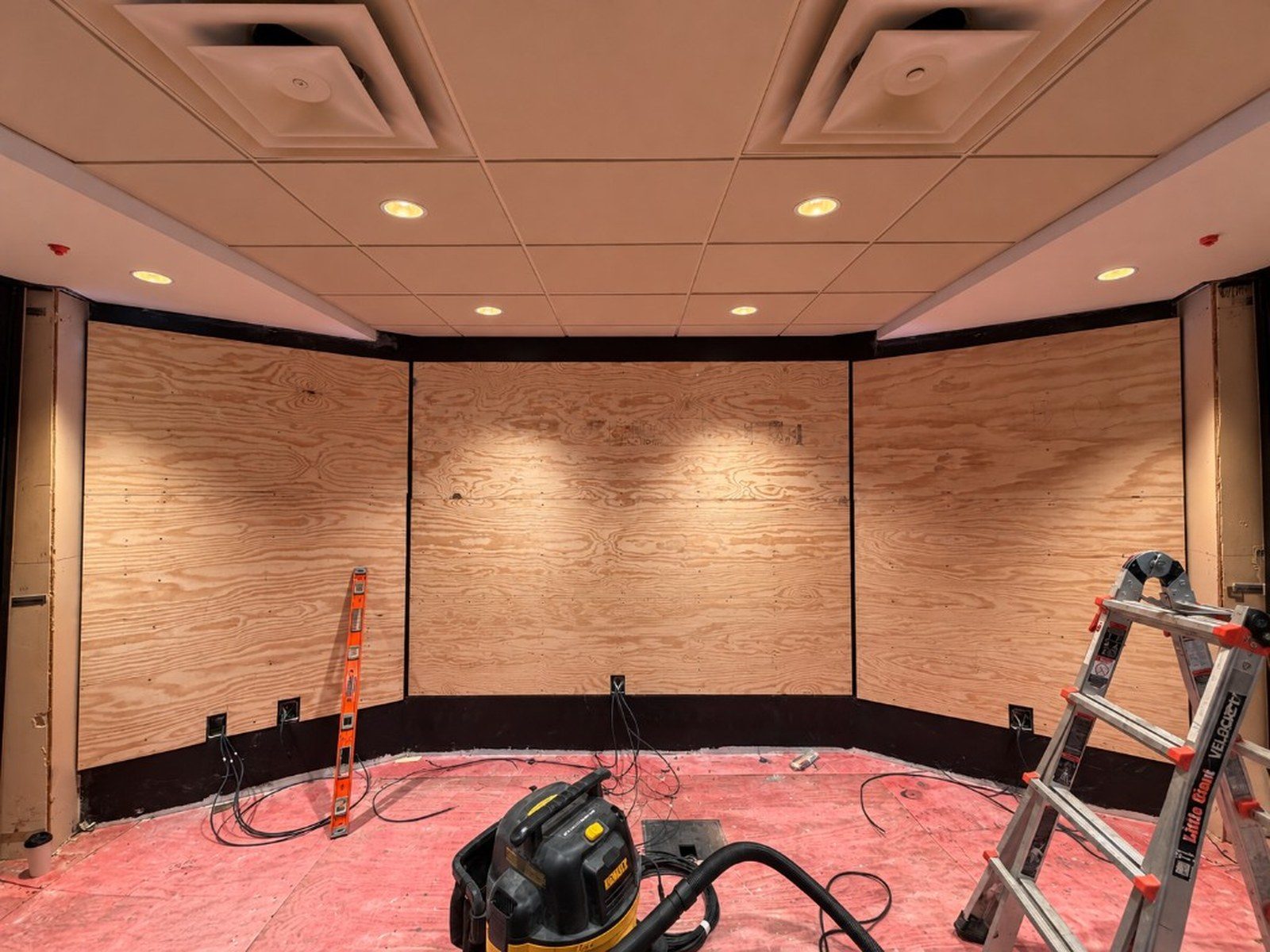
What Ponca City runs now
Why our clients bring LUCI in early
The best time to define and plan how your A/V will function with LUCI is before rack locations, pathways, endpoints, and trade scopes are fixed.
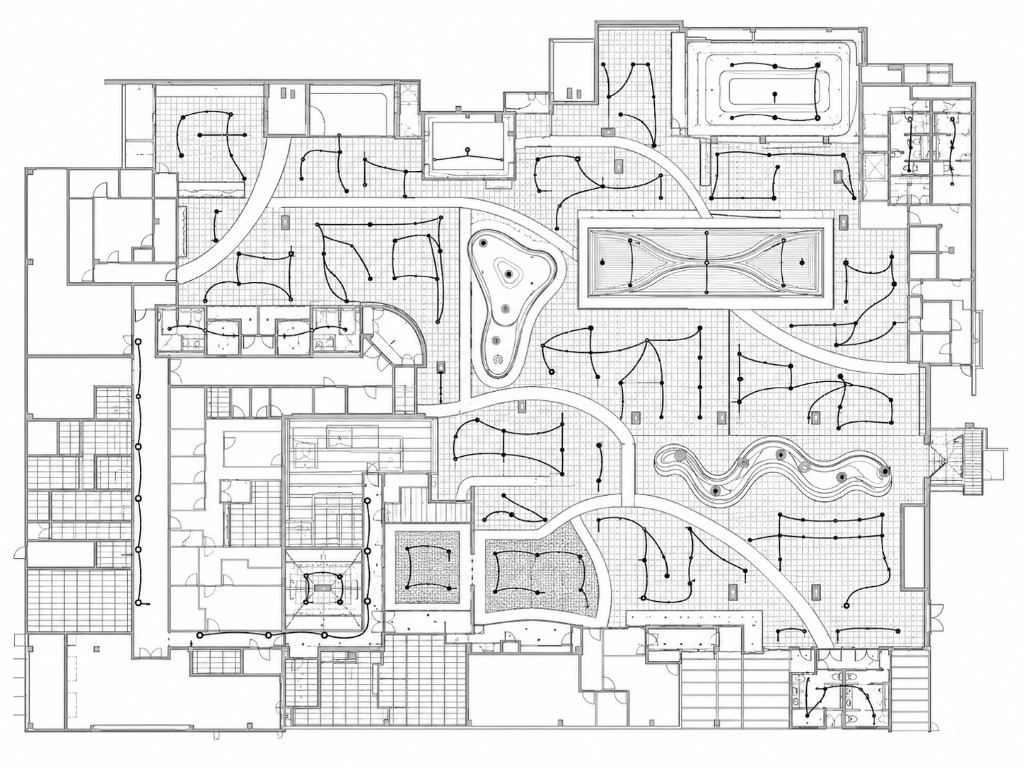
Most of the decisions that determine how an A/V system will operate are made before the equipment arrives. That is also the period when architects, trades, installers, and operators are still aligning scopes and assumptions. When those teams are not working from the same operating plan, small gaps on the drawing set become lasting limits on how the A/V functions after opening.
Successful casinos bring LUCI into the early stages of planning so the operating model can guide those decisions while they are still easy to change.
Before the infrastructure hardens
Early planning lets the operating model shape rack locations, landing rooms, cable paths, endpoints, speaker groups, and connections between trades. Those choices are easier to coordinate on a plan than after walls close and equipment locations are fixed.
Before the handoffs multiply
A/V intent can blur as drawings move from consultant to architect, contractor, programmer, and commissioning team. Bringing LUCI in early keeps the chain shorter: the team planning the required infrastructure coordinates it through construction, system turn-on, and owner training.
Bring LUCI in while the plan can still move
The scope can match the project—a tenant improvement, an LED-only design, or a fuller low-voltage and LED design for a larger addition. Contractors still install the hardware. LUCI defines the infrastructure the operating platform needs and carries that intent into the system the owner will use.
These planning and design services are included in the LUCI subscription.
If you have an upcoming remodel, new venue, addition, or location, reach out to your LUCI team while the plans can still move.
Set the operating structure before the devices arrive
A clean venue structure gives every endpoint a home and each person the right level of access.
In LUCI, displays, speaker zones, LED walls, and other controlled devices are organized by venue. Define those venues—and decide who can control them—before endpoints come online. The structure will be easier for your team to understand today and easier to extend later.
Build venues first, then drop endpoints
Create every venue, save its views, and name each section first. When endpoints come online, place them inside a structure your team already recognizes. That keeps navigation clear and makes control easier to delegate by venue.
Choose the access model on purpose
Choose whether one administrator controls everything or users receive access by location and source. Both models work. The important part is to decide deliberately before permissions grow by accident.
What to do when two scheduled presets share the same TV
LUCI gives you a lot of ways to use presets—dayparts, drawings, live events, promotions, and recurring schedules. That flexibility is useful, but it also means we sometimes run into situations where a client has two scheduled presets unintentionally assigned to the same TV. Maybe they added a drawing to a TV that already follows a daypart, or an event runs into the next scheduled change.
When this happens, LUCI currently prioritizes the preset that starts later. But that may or may not be the result you want. To better plan for overlapping schedules, use these three checks to decide what should take priority and what the TV should return to afterward.
Check the TVs. Confirm which TVs each preset touches, including any screens shared across venues or event plans.
Check the timing. Compare the start time and duration of the daypart and the drawing so you know where they overlap.
Plan the hand-back. Decide what should run after the drawing and schedule or coordinate the return before the event begins.
NEWLUCI Upgrade Overview
New features, changes, and control coming your way
Get the official rundown of the new LUCI—core capabilities, what’s changing, and how “the power of programming” shifts more day-to-day control to your team, with the LUCI team always available as your A/V partner.
Read the OverviewReporting & Analytics gives you full visibility
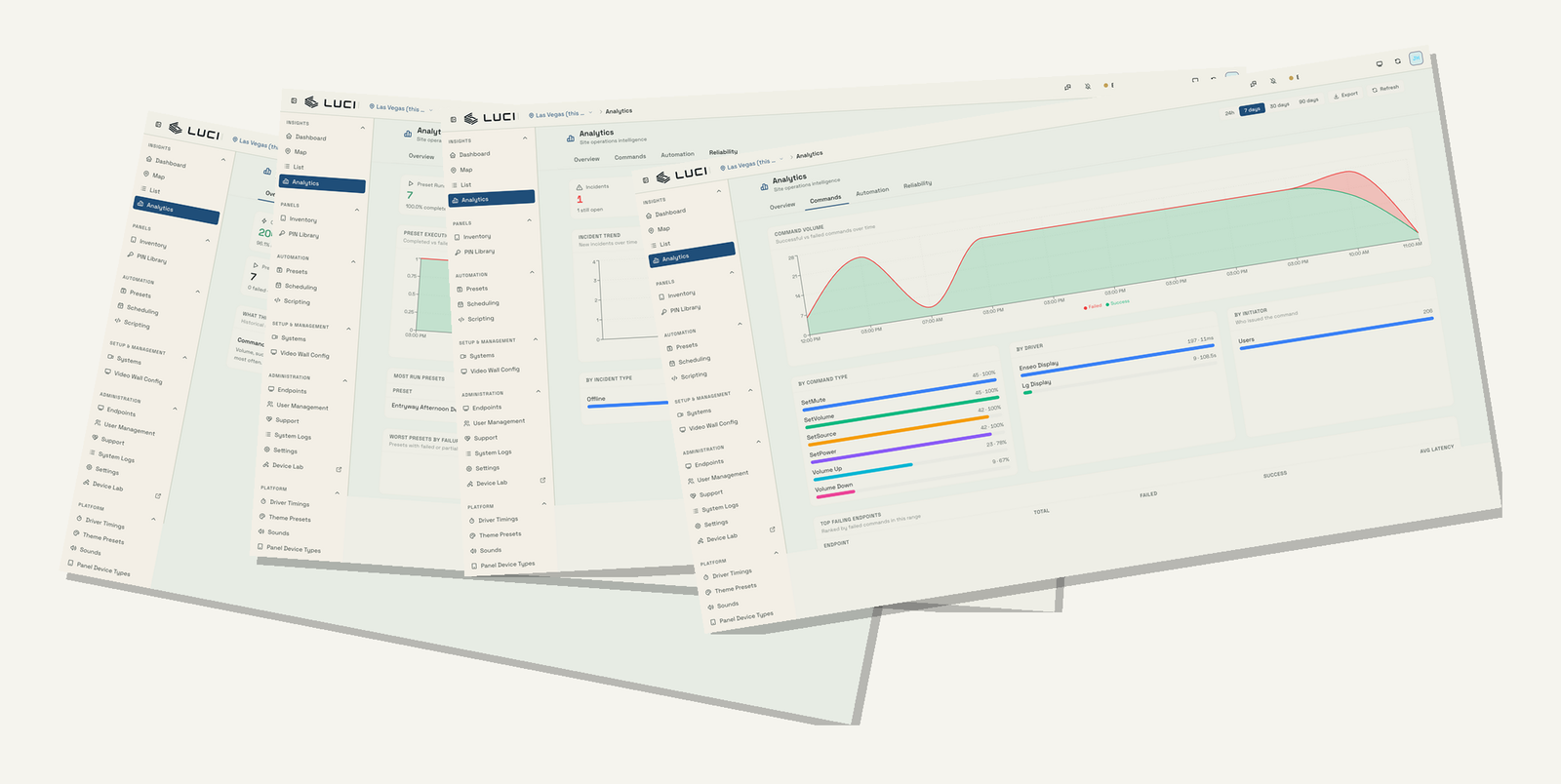
The new version of LUCI is bringing more control, visibility, and flexibility to your operation. This month, learn more about the Reporting & Analytics features in the upgrade.
Reporting & Analytics turns the activity LUCI already records into a connected operational history. Instead of reconstructing an issue from individual logs, you can see where incidents recur, how commands and automations are performing, and which endpoints need attention. Compare the last 24 hours, 7 days, or 30 days, then open the relevant record to understand what happened and where.
- How and when automations are running
Review scheduled presets and automated workflows to see what ran, when it ran, and whether it completed.
- User activity
Trace individual commands by result and timing, and see preset activity across 24-hour, 7-day, and 30-day views.
- Device incidents
Bring device incidents into view to identify endpoints that need attention and see where incidents recur.
- System logs
Bring system logs into view alongside incident volume, command success and failure, and latency.
Together, these views take you from “something happened” to the record behind it without losing the larger pattern across your operation.
Putting the power of programming in your hands
The new version of LUCI is built to improve performance, but its larger purpose is to give you greater operational agility.

Traditional A/V control systems leave most changes in the hands of programmers. The owner gets the finished system, but when a display goes dark, a control panel stops responding, or a configuration needs to change, the property often has to call a vendor or integrator and wait.
We built LUCI to change that relationship—to put the power of programming in your hands. That means the people responsible for the operation can manage users, see the activity behind an issue, and make routine changes directly.
The current version moved much of that control into one interface, but some configuration still lived deep in the database. We saw the next step clearly: bring more of it forward.
That principle shaped the new version from the beginning. Clients and their integrators will be able to load and orient maps, add endpoints, and make more changes directly. The people who run the property can handle more work without waiting for every change to move through another company.
Better performance matters. So do modern security, monitoring, and support. The practical result is fewer calls, fewer handoffs, and less time waiting on routine changes.
But more control does not mean less partnership. LUCI remains responsible for helping plan, monitor, diagnose, and support the system. Your team gets more day-to-day control; our team remains accountable for the platform and support behind it.
Need a hand?
Guides, troubleshooting, and ticket submission live in the Customer Support Portal.
Same LUCI team, same LUCI engineers. Just another way in.